
1️⃣ What is Computer Memory?
Computer memory is the part of a computer that stores data, instructions, and results so that the computer can work properly. It helps the CPU to process information quickly and efficiently. Without computer memory, a computer cannot work because there would be no place to store programs, data, or results.
Computer memory is mainly of two types:
- Primary Memory
- Secondary Memory
2️⃣ What is Primary Memory?
Primary Memory is the main memory of a computer that stores data, instructions, and programs currently being used by the CPU. It is directly connected to the CPU and provides fast access to data.
🔹 Key Points of Primary Memory
- It is also called Main Memory
- It works closely with the CPU
- It stores data temporarily or permanently (depending on type)
- It is faster than secondary memory
- It has limited storage capacity
3️⃣ Types of Primary Memory
1️⃣ RAM (Random Access Memory)
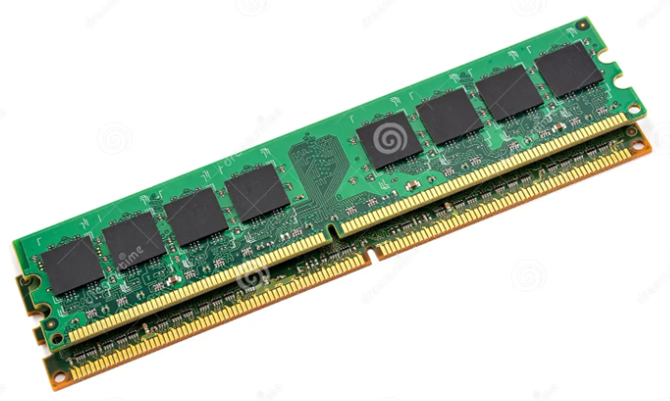
RAM (Random Access Memory) is a primary memory of a computer used to store data and instructions temporarily while the computer is working. It provides fast access to the CPU and helps in quick processing. RAM is volatile in nature, so all data stored in it is erased when the power is turned off.
Key Points about RAM
- RAM is temporary (volatile) memory
- Data in RAM is lost when the computer is switched off
- Faster than secondary storage (Hard Disk/SSD)
- Directly accessed by the CPU
2️⃣ ROM (Read Only Memory)
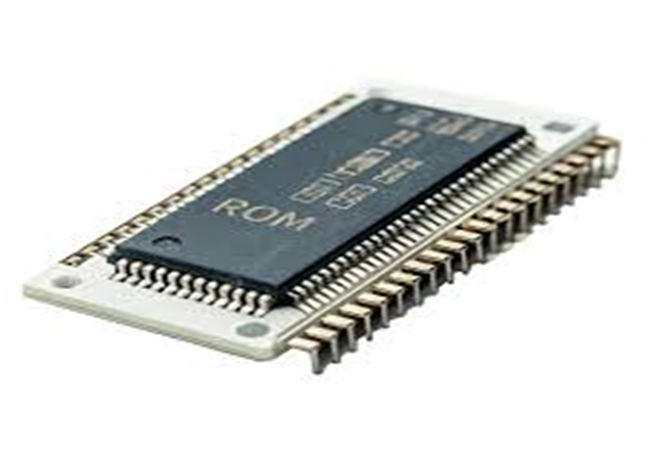
ROM (Read Only Memory) is a primary memory of a computer that stores permanent instructions required to start and operate the computer system. The data stored in ROM is non-volatile, which means it is not erased when the power is turned off.
Key Points about ROM
- ROM is permanent memory
- Data is not lost on power off
- Stores startup instructions (booting)
- Read-only: data cannot be easily changed
4️⃣ What is Secondary Memory
Secondary memory is the part of a computer that is used to store data, programs, and information permanently. It is also known as secondary storage or auxiliary memory. Unlike primary memory, secondary memory does not lose data when the power is switched off.
🔹 Key Points of Secondary Memory
- It stores data permanently
- Data is not lost when the computer is turned OFF
- It has large storage capacity
- It is slower than primary memory
- It is cheaper than primary memory
- It is not directly connected to the CPU
5️⃣ Types of Secondary Memory
1️⃣Hard Disk (HDD) :
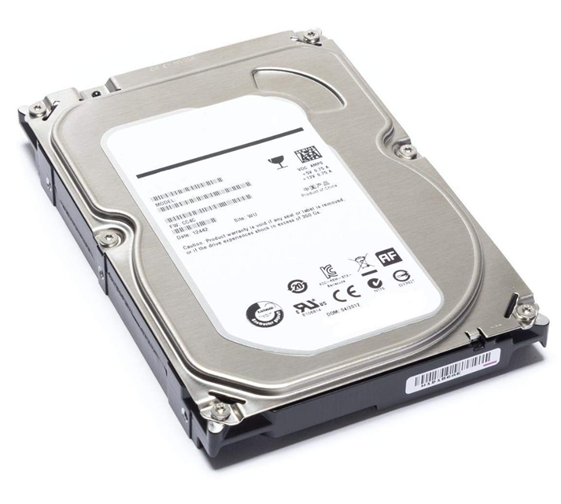
Hard Disk (HDD) is a secondary storage device of a computer used to store data permanently. It stores the operating system, software, files, documents, images, videos, and other data even when the computer is switched off.
- Key Points about Hard Disk (HDD)
- It is a non-volatile memory (data is not lost when power is
- Provides large storage capacity
- Stores data on magnetic platters
- Slower than RAM but used for long-term storage
2️⃣SSD(Solid State Drive) :
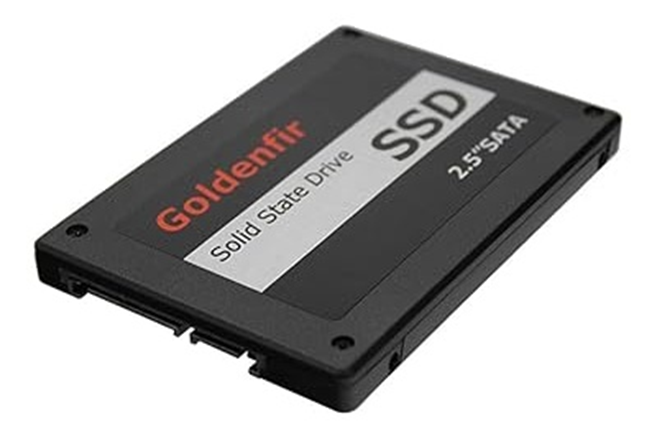
Solid State Drive (SSD) is a secondary storage device that stores data permanently using flash memory. It is non-volatile in nature and does not have moving parts, which makes it faster, more durable, and more efficient than a hard disk. SSD is commonly used to improve system speed and performance.
- Key Points about SSD
- It is non-volatile memory (data is not lost when power is off)
- Uses flash memory chips (no rotating disks)
- Very fast data access and boot time More durable and silent than HDD
3️⃣ Pen Drive (USB Flash Drive)
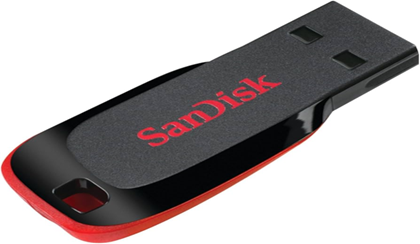
A Pen Drive or USB Flash Drive is a portable secondary storage device used to store and transfer data. It uses flash memory and connects to a computer through a USB port. It is non-volatile in nature, so data remains safe even after the computer is switched off.
Key Points about Pen Drive
- It is non-volatile memory (data is not lost when power is off)
- Small, lightweight, and easy to carry
- Uses USB interface
- No moving parts, so it is durable
- Available in different storage capacities (8GB, 16GB, 32GB, 64GB, etc.)
4️⃣ Memory Card
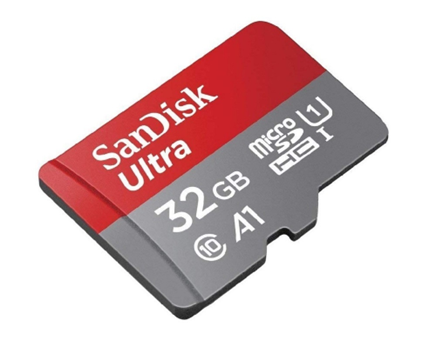
A memory card is a portable secondary storage device used to store data permanently. It uses flash memory and is commonly used in devices like mobile phones, cameras, and tablets. Memory cards are non-volatile in nature, so the stored data is not erased when the power is switched off.
Key Points about Memory Card
- It is non-volatile memory (data is not lost when power is off)
- Very small and lightweight
- Uses flash memory (no moving parts)
- Easy to insert, remove, and transfer data
- Available in different sizes and capacities (8GB, 16GB, 32GB, 64GB, etc.)
5️⃣ CD / DVD
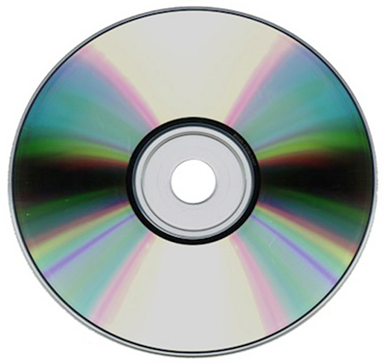
CD (Compact Disc) and DVD (Digital Versatile Disc) are optical secondary storage devices used to store data permanently. They use laser technology to read and write data. CD has a smaller storage capacity, while DVD can store larger data like movies and software. Both are non-volatile in nature and are used for data storage and distribution.
Key Points about CD/DVD
- They are non-volatile storage devices (data remains after power off)
- Use laser light to read/write data
- Mostly used for data distribution and backup
- Require a CD/DVD drive to access data