
1. What is a Computer?
A computer is an electronic device that accepts data and instructions from the user as input, processes them according to a set of instructions (programs), and produces meaningful information as output. It can also store data and results for future use. A computer works with very high speed, accuracy, and efficiency, but it cannot think or take decisions on its own. It performs tasks only according to the instructions given by the user.
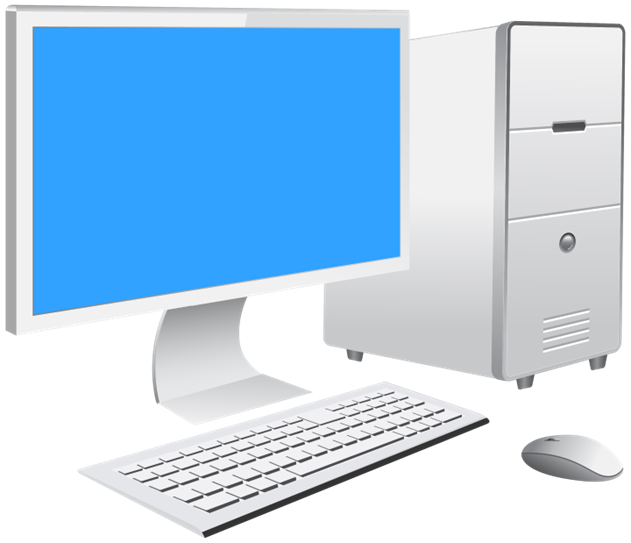
Examples of Computer devices are: desktop Computer, Laptop Computer, Smartphone, and ATM machine.
2. How does a Computer Works?
A computer works on the principle of Input – Process – Output (IPO) cycle.
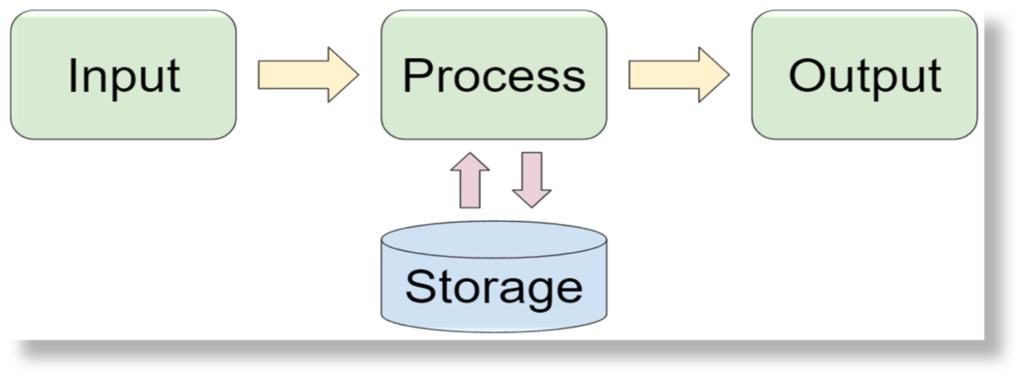
- Input:
In this stage, data and instructions are entered into the computer using input devices such as keyboard, mouse, scanner, etc. - Process:
The CPU (Central Processing Unit) processes the input data by performing calculations and logical operations according to the given instructions. - Output:
After processing, the computer produces the result in the form of output, which is displayed on output devices like monitor, printer, etc. - Storage:
The processed data and results can be stored in the computer’s memory for future use.
3. Basic Computer Parts
CPU (Central Processing Unit):
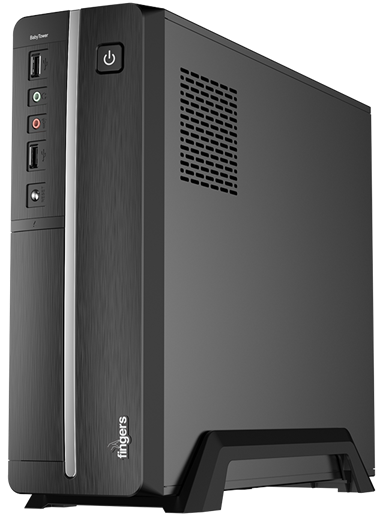
The CPU is known as the brain of the computer. It controls and manages all the activities of the computer system. The CPU performs all types of calculations and data processing, such as arithmetic and logical operations. It also controls the working of input devices, output devices, and memory, and executes instructions given by the user. Without the CPU, a computer cannot function.
Monitor:
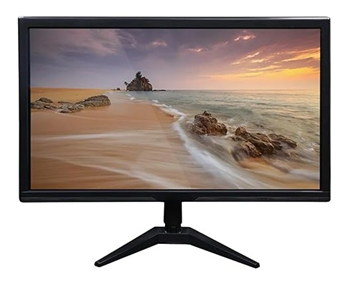
A monitor is an output device of a computer that is used to display information and results on the screen. It shows the output of processing in visual form such as text, images, graphics, and videos. The monitor helps users to see the work being done on the computer and is also known as a Visual Display Unit (VDU).
Keyboard:
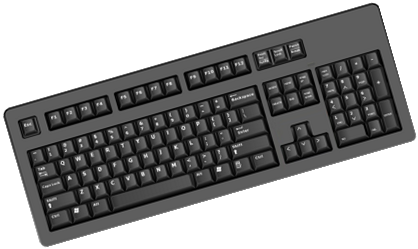
A keyboard is an input device used to enter data and instructions into the computer. It allows the user to type letters, numbers, symbols, and commands using different keys. The keyboard is mainly used for typing text, giving commands, and controlling various operations of the computer, making it an essential input device.
Mouse:
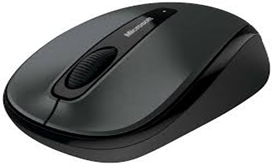
A mouse is an input device used to control the movement of the pointer on the computer screen. It helps the user to point, click, select, drag, and drop items easily. The mouse makes it simple to interact with graphical elements like icons, menus, and windows, and is widely used for smooth and fast navigation in a computer system.
UPS (Uninterruptible Power Supply):
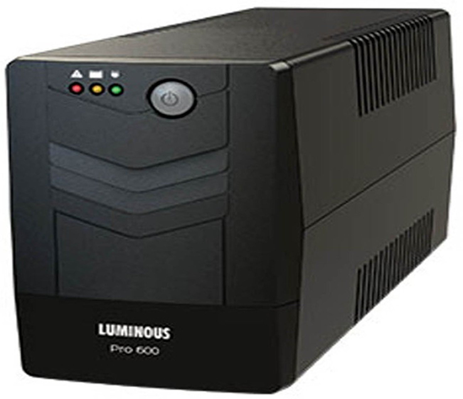
A UPS is a power backup device used with a computer to provide temporary electricity when the main power supply fails. It protects the computer from sudden power cuts, voltage fluctuations, and power surges. A UPS gives the user enough time to save work and safely shut down the computer, helping to prevent data loss and hardware damage.
Printer:
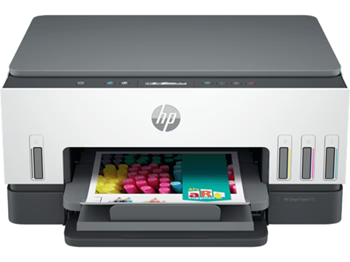
A printer is an output device used to produce a hard copy of information on paper. It prints text, images, and graphics that are created or processed on the computer. Printers are commonly used in offices, schools, and homes to keep records, documents, and reports in printed form.
Speaker:
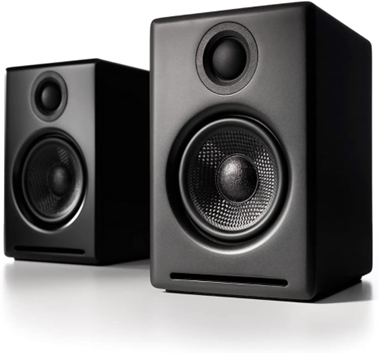
A speaker is an output device of a computer that is used to produce sound output. It allows the user to listen to music, voice, alerts, and other audio from the computer. Speakers are commonly used for entertainment, online classes, video calls, and multimedia applications.
4. Hardware vs Software
A computer system is mainly made up of two important components: Hardware and Software. Both hardware and software are interdependent and cannot function properly without each other.
Hardware:
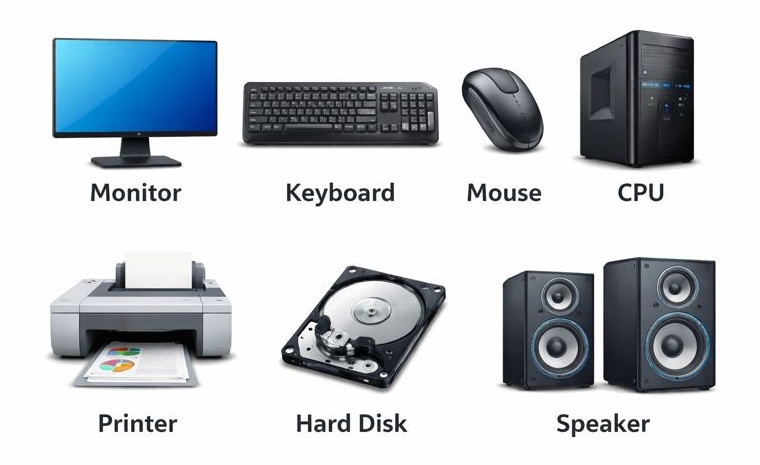
Hardware refers to all the physical and tangible components of a computer system that we can see and touch. These parts are responsible for performing input, processing, output, and storage operations in a computer.
- Examples:
- Monitor
- Keyboard
- Mouse
- CPU
- Printer
- Hard Disk
- Speaker
- Key Points:
- Hardware is visible and touchable
- It performs the actual work
- Hardware cannot function without software
- It may get damaged due to physical reasons
Software:
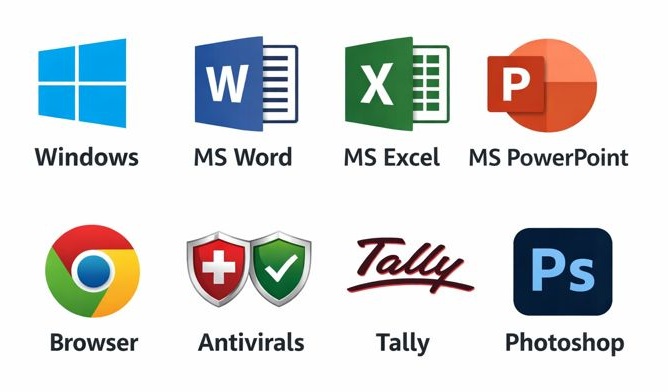
Software refers to a set of programs or instructions that tell the computer hardware what to do and how to do it. It controls the working of all hardware components and helps the user to perform different tasks such as typing documents, calculating data, browsing the internet, and running applications.
- Examples:
- Windows
- MS Word
- MS Excel
- MS PowerPoint
- Browser(Google Chrome, Mozilla Firefox, Internet Explorer)
- Adobe Photoshop
- Tally
- Antivirals
- Key Points:
- Software is not visible and cannot be touched
- It controls and guides hardware
- Software cannot run without hardware
- It does not get damaged physically but can be corrupted
| Hardware | Software |
| Physical parts of a computer | Programs and instructions |
| Can be seen and touched | Cannot be seen or touched |
| Manufactured | Developed / Programmed |
| Can be damaged physically | Can be corrupted or deleted |
| Needs software to work | Needs hardware to run |